Simple & Intuitive Interface
Configure your audio routing in seconds with our clean, modern Windows dashboard.
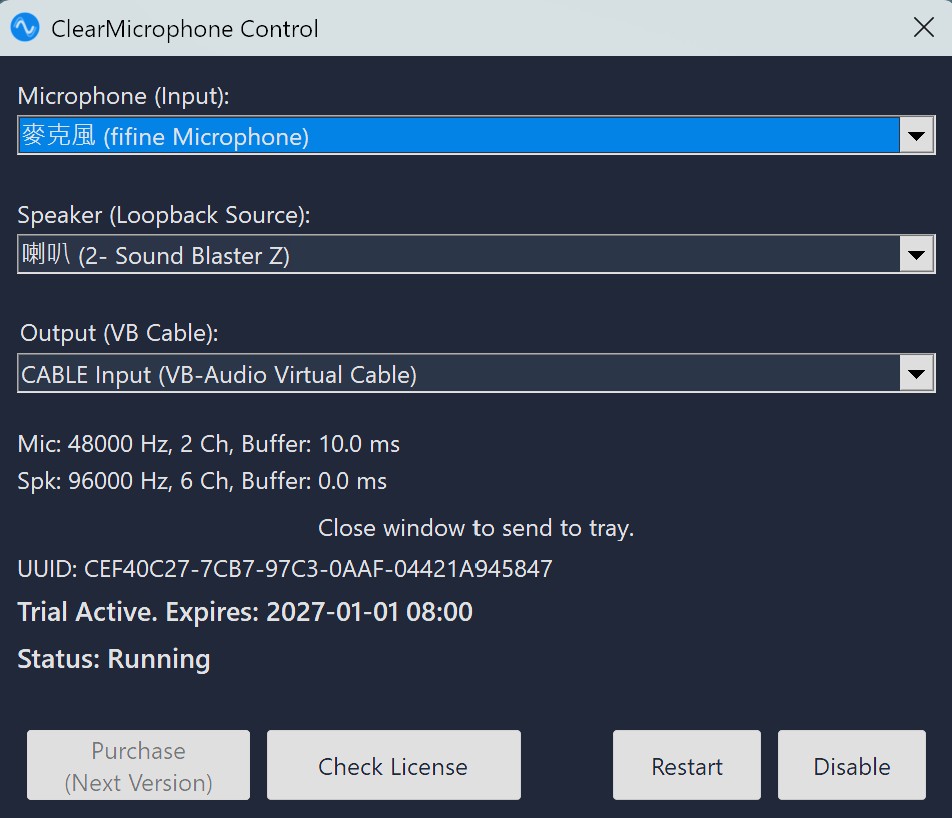
Professional-grade system-wide AEC software for PC. Eliminate microphone echo in games and calls with any hardware setup using ClearMicrophone and VB-Cable.
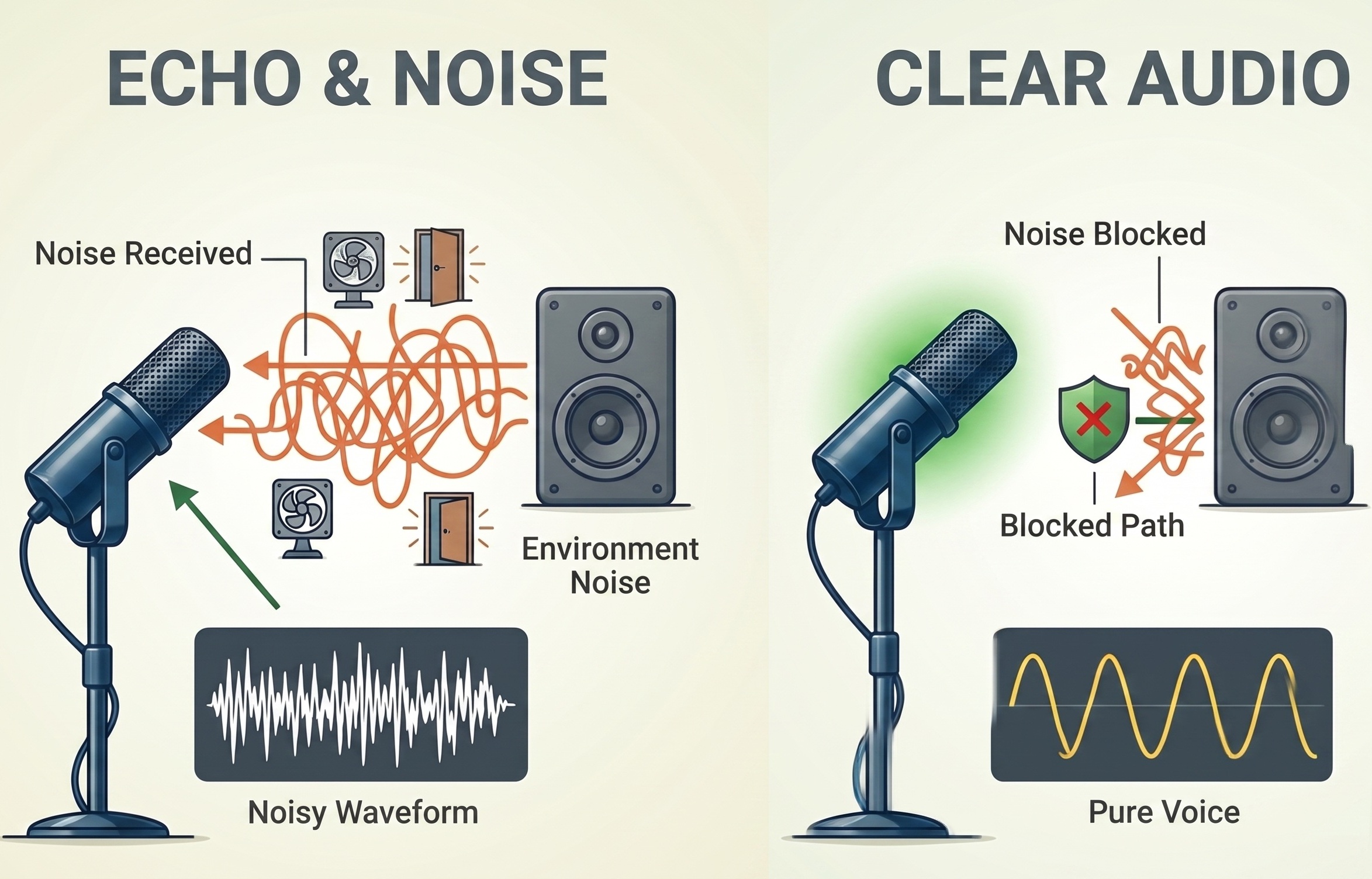
Whether you use studio monitors or cheap laptop speakers, ClearMicrophone handles the echo perfectly, breaking all hardware limitations.
Utilizes advanced Acoustic Echo Cancellation (AEC) to accurately filter out sound returning from your speakers into your microphone.
Optimized for Windows 10 & 11, ensuring your voice communication remains real-time and smooth without any noticeable delay.
Configure your audio routing in seconds with our clean, modern Windows dashboard.
ClearMicrophone acts as an intelligent bridge, routing and processing audio using a third-party virtual audio driver (VB-Cable).
First, you need to download and install the free VB-Cable Virtual Audio Device. This is a required core component for ClearMicrophone.
Open the ClearMicrophone software. In the settings, set your "Physical Microphone" as the input and your "Physical Speaker" as the output. ClearMicrophone will start monitoring and processing the echo.
In your communication apps (Discord, OBS, Skype, etc.), change your "Microphone (Input Device)" to CABLE Output (VB-Audio Virtual Cable). Your voice is now processed by ClearMicrophone and is echo-free!
Why choose ClearMicrophone over expensive monthly subscription audio apps?
Stop paying high monthly fees. ClearMicrophone offers an extremely budget-friendly annual license for professional-grade audio.
Unlike NVIDIA Broadcast, ClearMicrophone works on any PC with any GPU. It's the perfect NVIDIA Broadcast alternative for AMD users.
Professional Acoustic Echo Cancellation that works across all your apps, from Discord to competitive gaming.
Most games pick up speaker audio because of poor isolation. ClearMicrophone's system-wide AEC filters out game sounds from your mic stream, ensuring your teammates only hear your voice.
By routing your microphone and speakers through ClearMicrophone and VB-Cable, you can eliminate feedback loops instantly without needing expensive noise-canceling headsets.
Follow these two simple steps to get started with pristine voice quality.
The required virtual audio driver that enables echo cancellation routing.
1. Download VB-CableThe intelligent processor that filters out echo from your voice stream.
2. Download TrialTrial Version until 2026/12/31
Important: After installing VB-Cable, you must restart your computer before using ClearMicrophone.